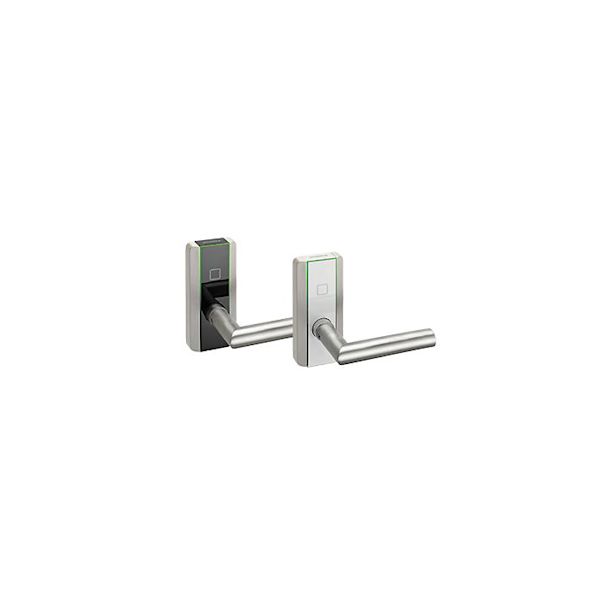
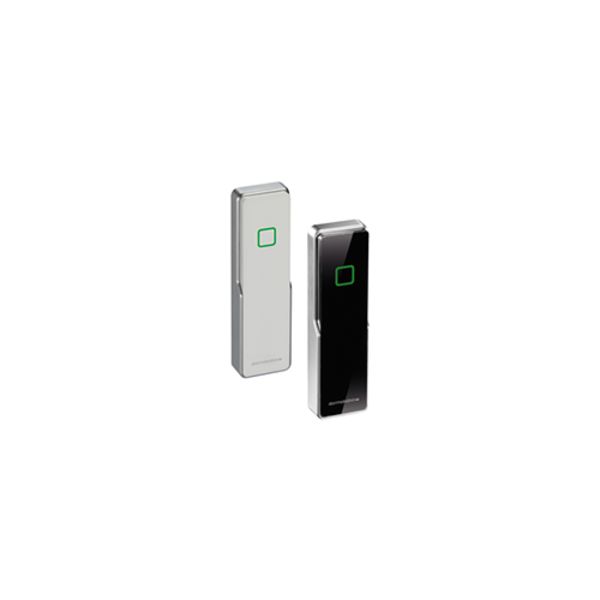
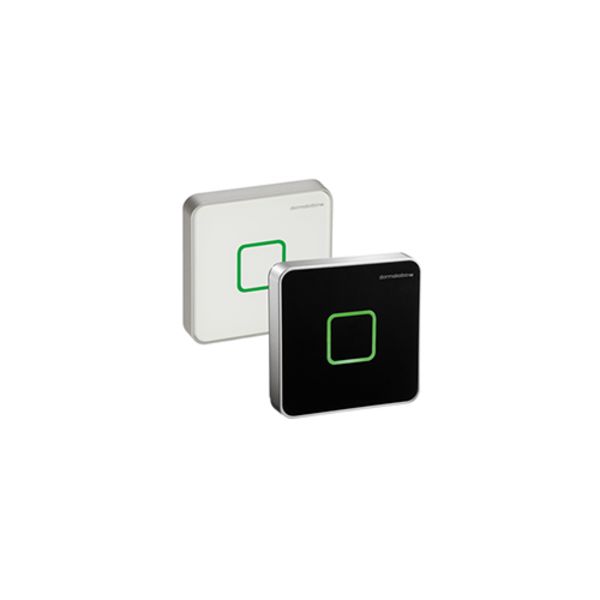
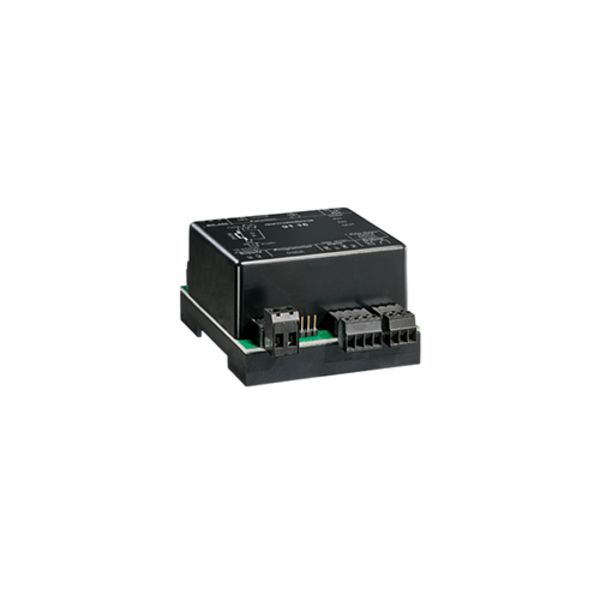
Can I use the smartphone as a key?
Yes. You need the dormakaba mobile access app and a digital key, which you can buy and give out via the dormakaba evolo smart app.
How do I open a door?
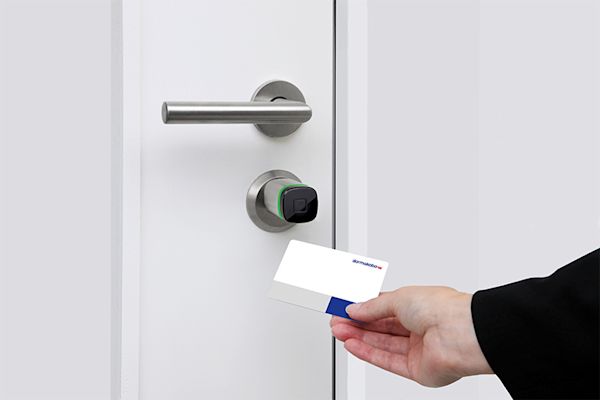
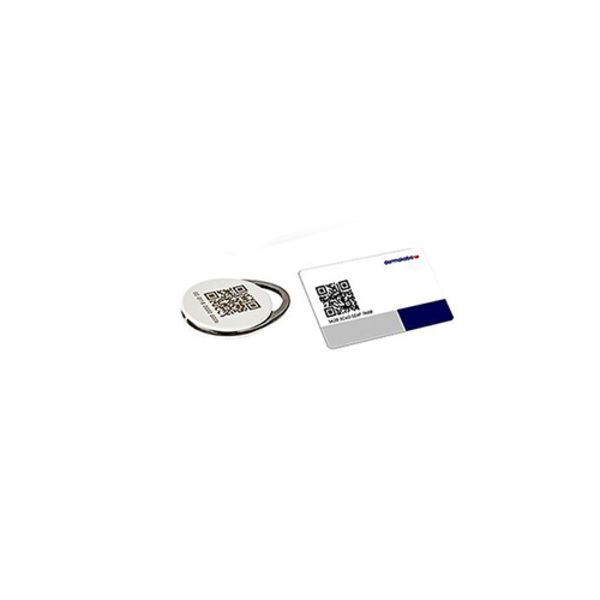
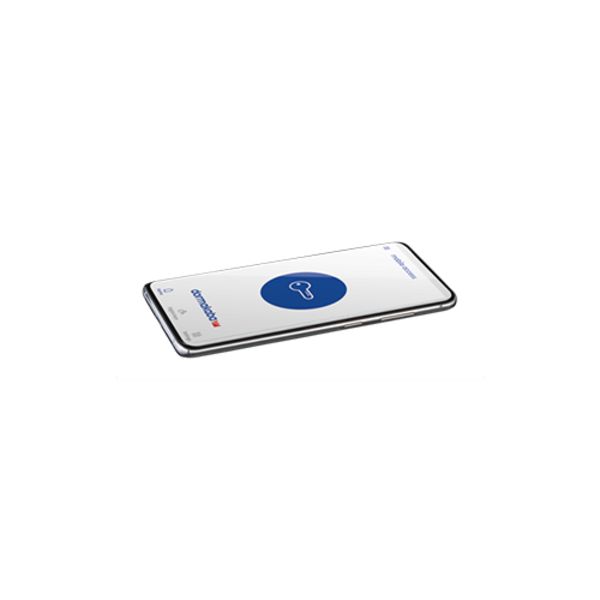
Open the mobile access app, press the round blue circle with the key and hold the smartphone in front of the door component. Alternatively, hold the access medium (card, key fob) in front of the component.
Can I continue to use my digital key if I change smartphones?
No, a digital key is not transferable and can only be used for one smartphone. If you change smartphones, you will need a new digital key.
I purchased 10 digital keys and have now changed my mobile phone. Can I still use the remaining keys on my smartphone?
Yes, keys that you have purchased but not yet used will remain accessible even if you change your phone. However, to use the keys, you will need to sign in with the same email address.
What happens to my digital key if I uninstall the mobile access app or reset the smartphone to factory settings?
Deinstallation of the mobile access app will result in a loss of the digital key.
How do I know whether my smartphone is suitable for mobile access?
The technical requirements that your mobile phone must meet can be found here. As there may be restrictions in individual cases, even if these requirements are met, we recommend that you test your smartphone with the evolo smart app at a dormakaba specialised partner before purchasing a door component.
Is a dual SIM card (identical phone number on several smartphones) supported in the mobile access app?
Basically yes, but the dormakaba mobile access app may only be registered on one smartphone with the same phone number.